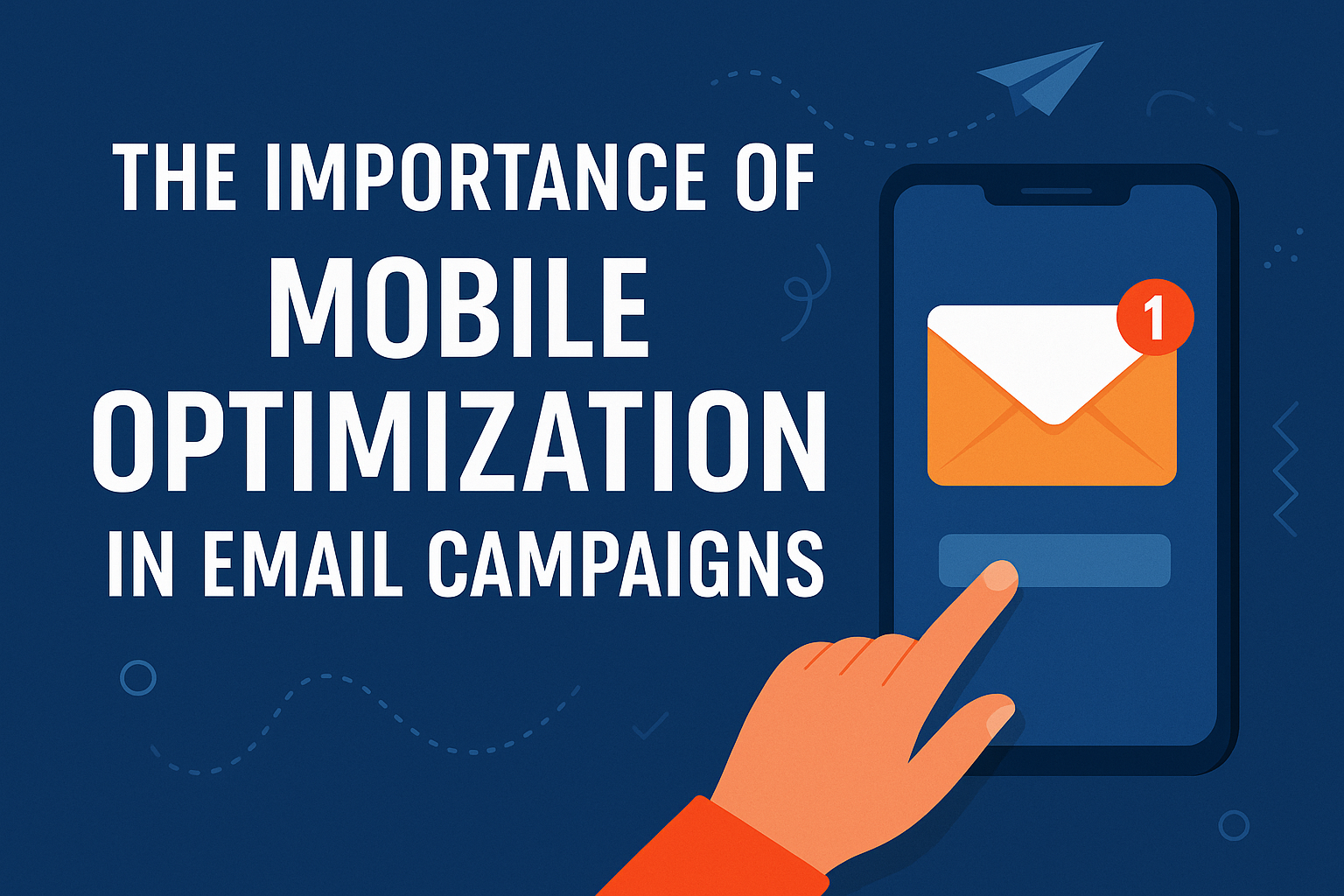
The Importance of Mobile Optimization in Email Campaigns
Introduction: Email’s Mobile Takeover We’re living in a mobile-first era. According to recent data, over 70% of emails are opened on mobile devices. From Gen Z consumers to C-level executives, nearly everyone checks their inbox on a smartphone or tablet—whether they’re commuting, on a coffee break, or scrolling at night. Yet surprisingly, many businesses still design email campaigns with desktop in mind. The result? Poor user experience, unreadable content, missed conversions, and a loss of trust. If your email marketing isn’t optimized for mobile, you’re effectively throwing away ROI. What is Mobile Optimization in Email Marketing? Mobile optimization is the process of designing and structuring email content to be easily readable, visually appealing, and fully functional on mobile devices. It ensures that users can: It involves responsive design, smart content structure, fast load times, and touch-friendly features. Why Mobile Optimization Matters More Than Ever 1. Most Emails Are Opened on Mobile With smartphones as the default device for checking email, an unoptimized message is likely to be ignored or deleted. A Litmus study showed that 42% of email users delete non-mobile-friendly emails immediately. 2. The 3-Second Rule On mobile, you have less than three seconds to capture attention. That’s your subject line and header image. If your content doesn’t load quickly or look polished, you’re losing engagement before the reader even scrolls. 3. User Experience = Brand Trust Broken layouts, overlapping text, or buttons too small to click all translate to one thing: poor brand credibility. A consistent and functional mobile experience directly affects how professional your brand feels. 4. Higher Click-Through and Conversion Rates Mobile-optimized emails improve readability, encourage interaction, and significantly raise CTR (Click-Through Rate). Campaign Monitor found that mobile-responsive emails earn 24% more clicks than non-optimized ones. 5. Impact on Deliverability ISPs and email platforms like Gmail factor user interaction into spam filtering algorithms. If your mobile experience causes low engagement, your future emails might get pushed to Promotions or even Spam. Key Elements of a Mobile-Optimized Email Here’s what separates average campaigns from those that convert: ✅ Responsive Design Uses CSS media queries to adjust layout, images, and fonts based on screen size. It prevents awkward line breaks, overlapping content, and squint-worthy text. ✅ Concise Subject Lines Mobile screens show around 30–40 characters. Make them count: ✅ Preheader Text Optimization Your email’s preheader is like a second subject line. Keep it under 80 characters and ensure it complements the subject, not repeats it. ✅ Single-Column Layout Avoid complex multi-column designs. A single column makes content stack cleanly and scroll smoothly on small screens. ✅ Large, Clickable Buttons Your CTAs should be: ✅ Optimized Images with Alt Text Use: ✅ Readable Fonts Sans-serif fonts like Arial or Open Sans work best. Set: ✅ Whitespace & Scannability People don’t read—they scan. Use: Tools to Test Mobile Optimization Before hitting send, preview and test your emails across devices: Benefits of Mobile Optimization Benefit Description Increased Engagement Users are more likely to read and click Higher ROI Better UX = more conversions Reduced Bounce Rate Clean design leads to fewer instant exits Improved Brand Image Shows professionalism and attention to detail Wider Audience Reach Accommodates all users—especially on-the-go professionals 5 Most Common Mobile Optimization Mistakes FAQs Q1: What happens if I don’t optimize for mobile? You risk lower engagement, higher bounce rates, unsubscribes, and a damaged brand reputation. Mobile users expect smooth experiences—failure to deliver costs you leads and revenue. Q2: How do I know if my emails are mobile-friendly? Use testing tools like Litmus or Email on Acid. You can also send test emails to your own mobile devices to check spacing, font size, and functionality. Q3: What platforms offer mobile-optimized templates? Most major ESPs (Mailchimp, Klaviyo, HubSpot, Moosend, ActiveCampaign) offer mobile-responsive templates. Just make sure you customize them for your brand. Q4: How often should I test my mobile email designs? With every campaign. Device software, screen sizes, and user behavior evolve rapidly—so should your tests. Q5: Does mobile optimization affect email deliverability? Indirectly, yes. Poor engagement from mobile users (e.g., deletes, no clicks) signals to ISPs that your content isn’t valuable, hurting future deliverability. Final Thoughts In the era of thumb-scrolls and 5-inch screens, mobile optimization isn’t a nice-to-have—it’s the foundation of effective email marketing. It directly impacts how users perceive your brand, how they interact with your offers, and whether or not they convert. Brands that prioritize mobile in every campaign aren’t just keeping up—they’re leading the inbox.